

Payment instructions via Cash App
https://cash.app/help/31021-sending-and-receiving-bitcoin
How to pay with Cash App:
1. Open Cash App, tap Bitcoin, then Send.
2. Scan the QR code or copy the address below.
3. Enter the $ amount of your order and confirm.
4. Send us a screenshot of the completed payment so we can activate your order.
1. Open Cash App, tap Bitcoin, then Send.
2. Scan the QR code or copy the address below.
3. Enter the $ amount of your order and confirm.
4. Send us a screenshot of the completed payment so we can activate your order.
Video instructions
Send your Bitcoin to this address
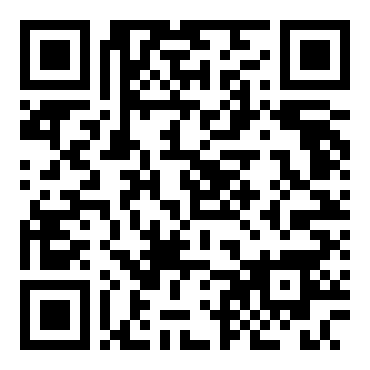
bc1qe9vxf4g60cja58x0srccm5dx9ax5ayuua46eeq
Once payment is done messages back here with the transaction profile screenshot